Begin with an accurate, eligible profile
A Google Business Profile can help an eligible business share practical information on Search and Maps. Before adding images or updates, check that the name, category, contact details, hours and location or service-area information accurately describe the business and comply with Google's current requirements.
A service-area business should describe its real coverage and follow the rules for its actual operating model. Do not create extra profiles or imply you have an office in every town you serve. Profile features and eligibility can change, so check Google's guidance rather than relying on an old tutorial.
Choose photographs with a purpose
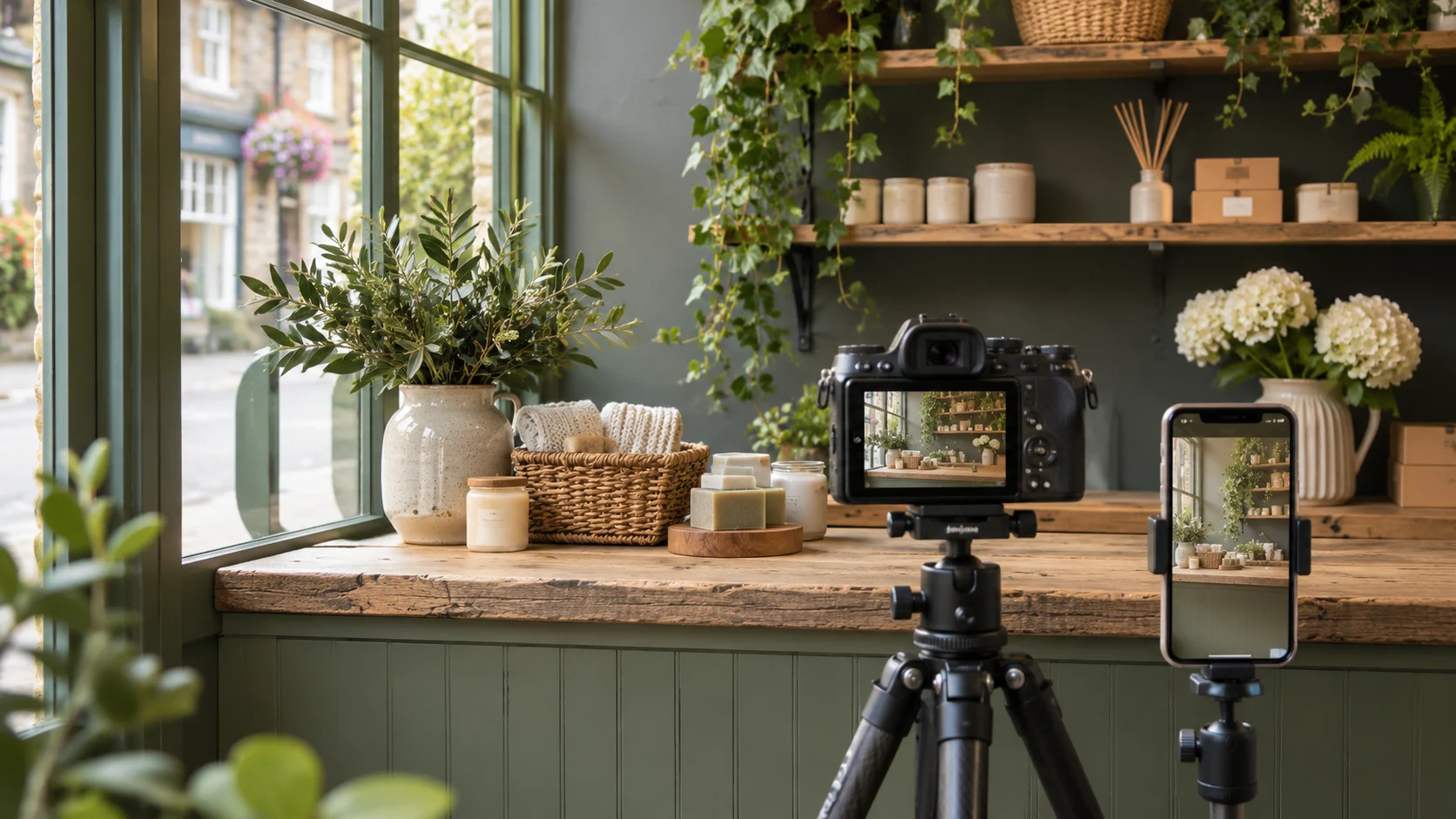
Use images to answer a visitor's likely questions. A shop with a customer-facing entrance might show how to recognise it; a studio could show the space clients actually visit; a home-service business might show the team, equipment or completed work with permission. Choose images that reflect the real business.
Avoid presenting stock or generated imagery as photographs of your staff, premises or completed projects. If an image is illustrative, use it in a context where that is clear. Check that any visible people, customer property, number plates or private information can appropriately be shared.
Prepare and review the image
Select clear, well-lit images and check how they appear on a small screen. Use a sensible crop that keeps the relevant subject visible, but do not edit the image so heavily that it misrepresents the location or service. Follow Google's current file and content requirements at the time of upload.
Keep the original files and record who approved their use, particularly for customer projects. If the team, premises or service changes, review older pictures so they do not create a misleading expectation. A small collection of accurate, useful photos is easier to maintain than a large unrelated gallery.
Write updates that answer a question
A profile update might explain a change to opening hours, an upcoming event, a new service or a timely practical tip. State the useful detail first and link to a relevant page when the customer needs more information. Make sure dates, conditions and availability are correct.
Prepare the destination page before publishing. For example, an illustrative workshop announcement should link to a page containing the date, location and booking details, not simply the homepage. If an offer or event ends, review any related content and correct or remove out-of-date information.
Understand moderation and control
Google reviews profile contributions against its policies, and an upload or post may not appear exactly as expected. Follow the platform's instructions and investigate a rejected item rather than repeatedly submitting the same content. Google may also show information or images contributed by others, so review the profile regularly.
Agree who has access to manage the profile and keep ownership with the business. If an agency assists, use the platform's access controls rather than sharing passwords. Remove access that is no longer needed and check that the business can still reach its own profile.
A simple monthly profile check
Use a recurring checklist rather than a promise to publish a certain number of updates. Confirm that the business name, real opening hours, contact options and service information are current. Look at the public profile on a phone and compare it with the website so that visitors do not find conflicting information.
Check whether recent photographs remain representative and whether event or offer dates have passed. If an image reveals private customer information or a person who should not be identifiable, address it using the appropriate platform process. Review any suggested edits carefully before accepting them.
Keep a record of what was changed, who approved it and when it should be reviewed again. Where an outside provider helps, the business should retain appropriate ownership access. A profile can change for several reasons, including suggestions from other users, so checking the live information is more useful than assuming last month's version is still current.
If you update seasonal hours or a temporary closure, add a reminder to check the information again when the period ends. Explain practical details on the website too, so a customer does not depend on a single channel. If the platform changes its interface or content rules, follow its current help rather than assuming an older screenshot remains accurate.
For help reviewing an eligible profile and keeping its information useful, see our Google Business Profile service.
Review usefulness rather than promise rankings
Images and updates can make a profile more informative, but posting on a fixed schedule or adding a particular number of photos does not guarantee a ranking. Consider whether visitors can understand where you work, recognise your business and reach the right service information.
Review recurring customer questions alongside available profile information and enquiries. If people repeatedly ask where to park, for example, a clear direction on the relevant page may be more helpful than another generic promotional image. Keep information factual and current across your website and profile.