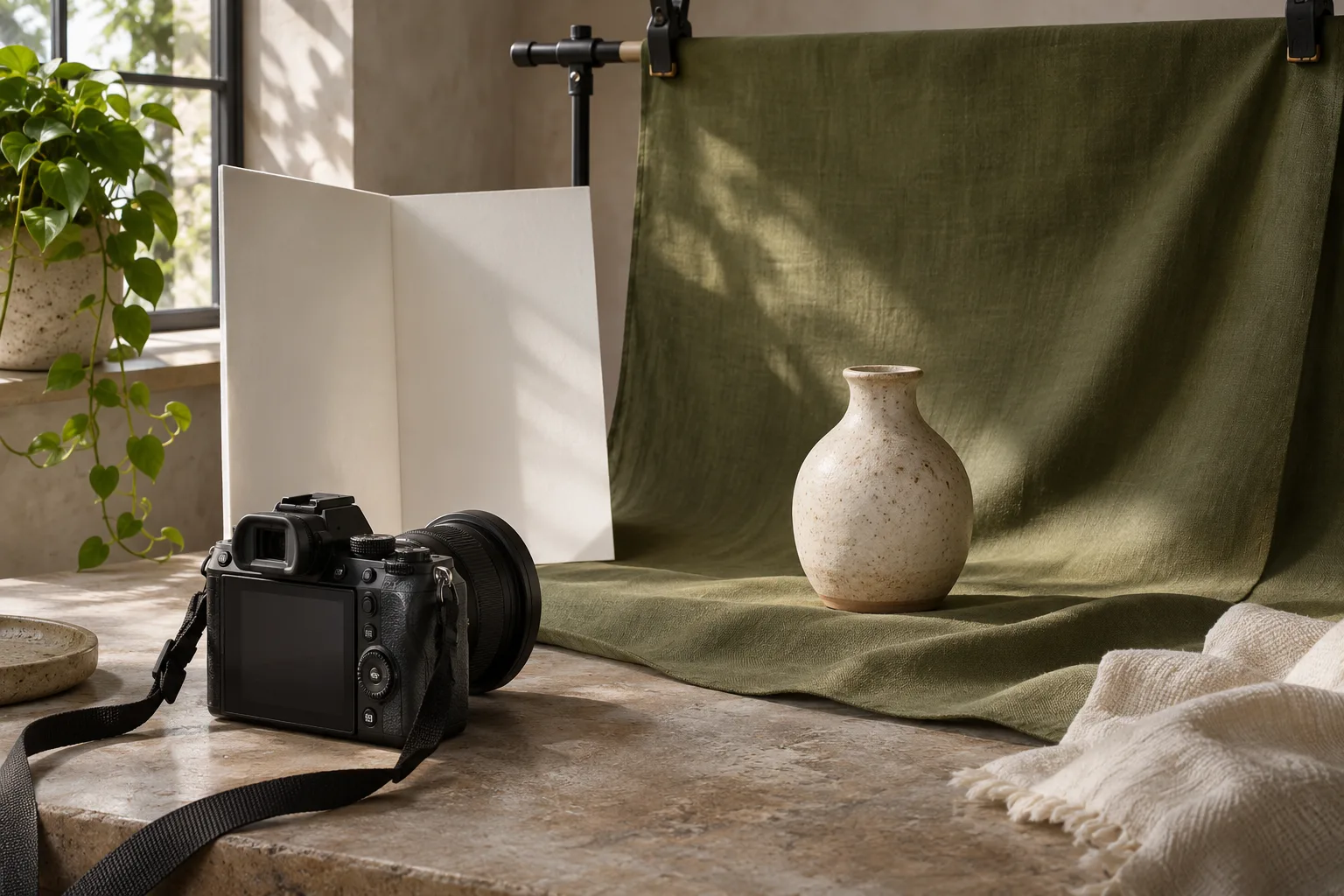
Give each image a purpose
A strong image can help a visitor recognise a premises, understand a service or see the materials involved in a project. Begin with the questions your customers ask rather than a list of fashionable poses. Decide which images are needed for a service page, a business profile, a brochure or a social update, and identify the next step each one supports. If the business does not welcome visitors at its address, do not use photography to suggest otherwise. Avoid using an unrelated building or fabricated job as evidence of your experience.
List what you can genuinely show
Write a short shot list covering real people, equipment, products, working processes or locations you are entitled to photograph. Consider the full frame: names on documents, computer screens, number plates and private addresses may reveal information that was not intended for publication. A close-up of a tool or a prepared workspace can sometimes explain a service without identifying a customer. Arrange safe access and avoid interrupting work. Do not stage an unsafe working practice to create a more dramatic picture.
Agree permissions and future uses
If you commission a photographer, agree in writing which party owns the images or which licence the business receives. Discuss the website, social media, print, paid advertising, editing, future campaigns and any time or territory restrictions relevant to your use. Paying for the shoot does not automatically transfer every copyright right. Where people or customer property are recognisable, agree how images will be used and follow applicable privacy requirements. Obtain any permissions needed for material visible in the frame, and keep records of decisions and restrictions with the files.
Separate the rights in the photograph from decisions about the people or property shown. A photographer's licence may describe how the business can use the file, while a recognisable individual needs clear information about the intended use and appropriate handling of their personal data. A customer may also need to approve the inclusion of identifiable project details. Ask who can authorise each part and record any limits before publication. If the image later appears in an advertisement or a different country, check whether the original agreement covers that use rather than assuming it does.
From photography brief to publication
- PurposeWhat should the image explain?
- PermissionAgree rights and use
- CaptureFollow the real shot list
- PublishCheck crop and alt text
- ReviewKeep the image current
Prepare a clear brief
Share the purpose of each image, where it will appear and the format or crop needed. A wide website hero, a vertical social post and a small card may require different compositions. Tell the photographer which details need to remain recognisable, any accessibility or safety considerations, and who will approve the final selection. If text will sit beside or over a photo, leave suitable space and test readability in the actual layout. Avoid directing a visual style so tightly that it misrepresents the people, premises or service.
Select images for the task
Review the contact sheet against the original questions: does the picture clarify something, is the subject identifiable where that matters, and is it suitable for the intended crop? Check focus and exposure on a phone as well as a larger display. A customer-facing entrance, for example, should look like the place someone will actually find. Remove versions that contain unintended personal details or signs that are no longer accurate. If you use a conceptual or generated illustration, do not present it as documentary evidence of real work.
Evaluate each candidate beside the words it will accompany. If the text explains a customer-facing entrance, the image should help someone identify that entrance; a generic attractive interior would not answer the same question. If the image is used for atmosphere only, make sure the surrounding copy still communicates the essential information. Review cropped versions at the sizes used for the homepage, article card and phone layout. Keep the unedited original as well as the published version so a later correction does not depend on an old social-media upload.
Publish accessibly and manage the files
Provide useful alternative text where an image communicates information. A purely decorative image can have empty alt text so a screen reader does not repeat surrounding content; the right choice depends on the image's purpose. Write a concise description of what the image contributes rather than filling the attribute with locations or search terms. Save a high-quality original and appropriately sized web versions, with clear filenames and licence notes. Check that the published image loads, crops as intended and still represents the service accurately.
Illustrative example: a local craft business
Imagine a fictional craft business that wants customers to understand how a commission begins. It plans an image of materials on a workbench, one of the maker's hands preparing a sample and one of a finished piece approved for use. The brief identifies who will clear the workspace, what permissions are needed and which crops are required. The images are accompanied by a written explanation of the actual commission process. This hypothetical example is not a Graphic Core project and does not assert results from a photo session.
Keep a usable image register
A simple register can record the creator, date, original filename, licence or agreement, approved uses and any expiry or withdrawal process. Link each published version to the original so that a colleague can identify which page needs updating if a permission changes. Keep the register accessible only to people who need it when it includes personal information. A clear record also helps avoid accidentally uploading an older version that still contains confidential details, or using a limited licence in a campaign it did not cover.
Review before and after publishing
Before the shoot, check the shot list, safety arrangements, licence, participant information, location access and the person approving each image. Before publication, review the final crop, captions, alt text and any sensitive details. Keep a list of where images appear so they can be replaced if a licence expires or the information becomes outdated. If a customer withdraws a permission you relied on, follow the agreed process and any applicable legal requirements. Revisit the image library when your services, premises or team change.